How to stop reading your slides (and what to do instead)
You've been told a hundred times: don't read your slides. Yet there you are, mid-presentation, eyes locked on the screen, reading bullet point three word for word while your audience reads ahead and checks out.
It's not a willpower problem. It's a design problem.
Why you read your slides
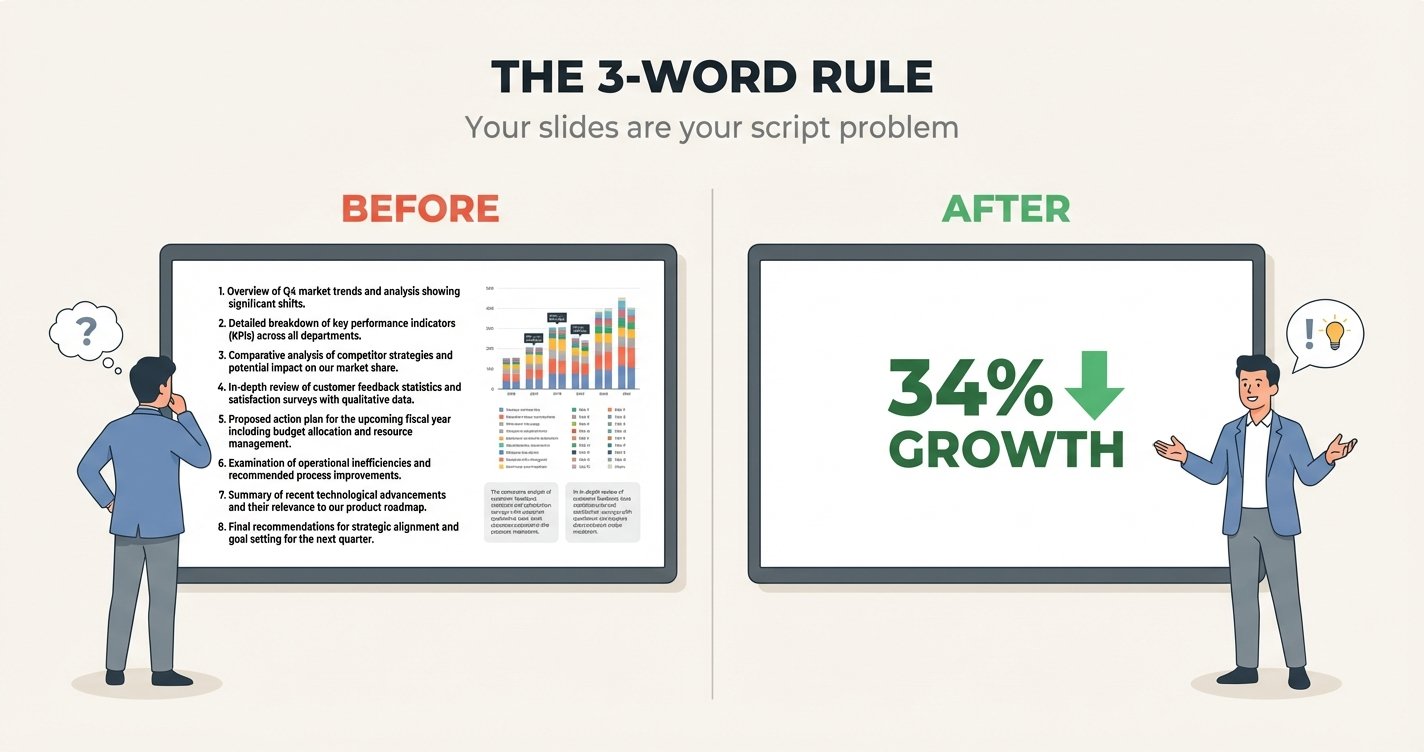
You read slides because they have too many words on them. That's it. If your slide says "Our Q3 revenue grew 34% YoY driven by enterprise expansion in EMEA and APAC regions," you're going to read it. Your brain can't help it.
The slide became your script. And the moment your script is on screen, your audience reads faster than you speak. They're done with your point before you finish your sentence.
The 3-word rule
Here's the fix: no slide should have more than 3 words that you also say out loud.
Your slide says: 34% growth
You say: "Revenue is up 34% this quarter. That's driven almost entirely by enterprise deals in Europe and Asia — two markets we entered nine months ago."
The slide is a visual anchor. You are the story.
What this looks like in practice
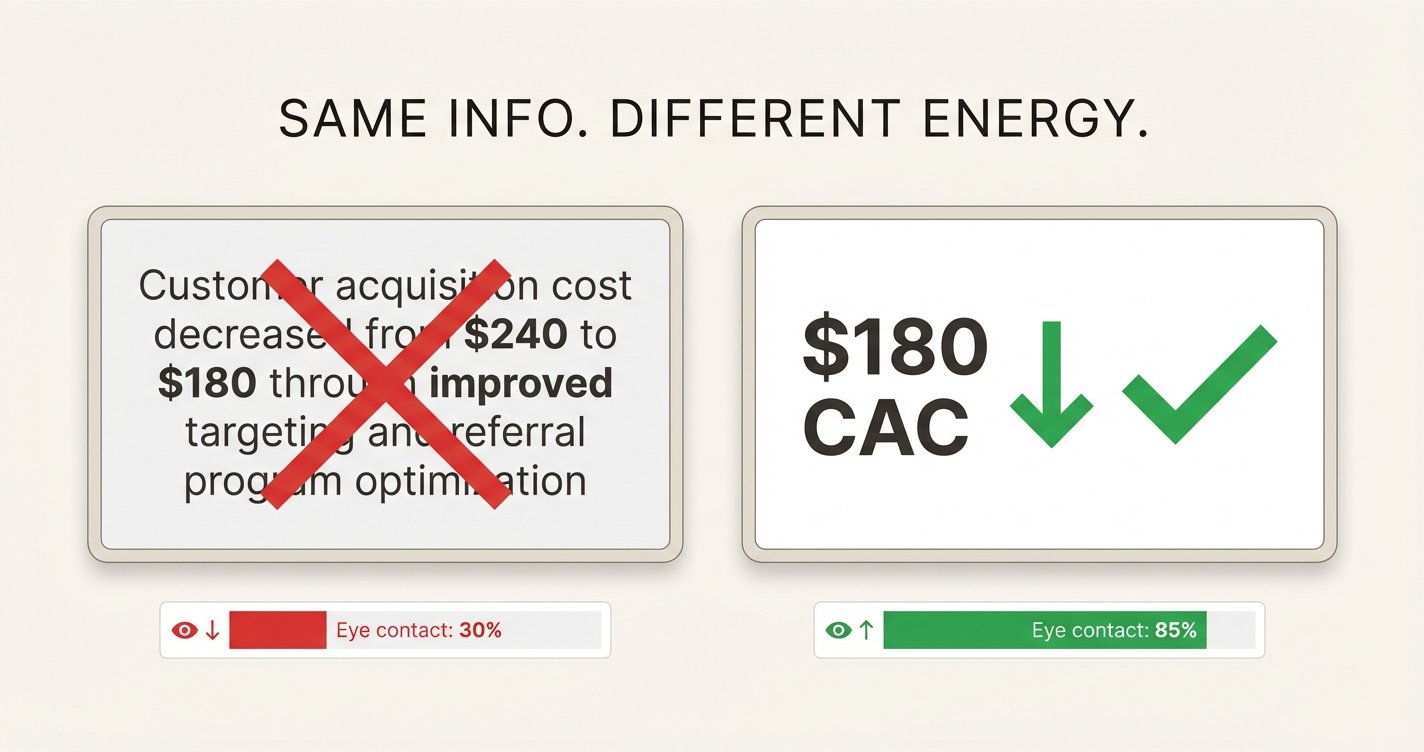
Before: Slide says "Customer acquisition cost decreased from $240 to $180 through improved targeting and referral program optimization."
You read it. Monotone. Eyes on screen.
After: Slide says "$180 CAC" with a downward arrow.
You say: "Nine months ago, it cost us $240 to acquire a customer. Today it's $180. The referral program alone knocked $40 off that number. Let me show you how."
Same information. Completely different energy.
The rehearsal test
Record yourself presenting. Watch it back. Every time your eyes go to the screen for more than 2 seconds, that slide has too many words.
This is exactly what AI presentation tools catch — the moments where your delivery drops because you're reading instead of speaking. The timestamps where your vocal energy dips, your eye contact breaks, and your audience mentally checks out.
Three things to do right now
- Open your deck. Find the 3 most text-heavy slides. Rewrite each to 3-5 words max.
- Practice without slides. Can you explain each slide from memory? If not, you don't know your content — you know your slides.
- Record yourself. Watch the first 2 minutes. Count how many times your eyes go to the screen.
The goal isn't to memorize your deck. It's to know your content well enough that the slides support you, not replace you.
More in Presentation Rehearsal
How to Rehearse a Presentation by Yourself: A 7-Step System That Actually Works
Practicing a presentation alone does work if you follow a repeatable system. Use this 7-step solo rehearsal workflow to improve pacing, confidence, and clarity before a high-stakes talk.
Presentation Rehearsal Checklist: 17 Things to Fix Before a Big Meeting
Use this presentation rehearsal checklist before an investor pitch, sales demo, thesis defense, or board update. It covers pacing, slide transitions, clarity, timing, and delivery.
How Many Times Should You Rehearse a Presentation? A Better Rule Than 'Until It Feels Good'
Most presenters ask how many times they should rehearse a presentation. The better answer depends on talk length, stakes, and whether your last run actually improved.
See yourself the way your audience sees you
Upload a presentation recording. Get AI coaching on delivery, slides, narrative, and audience reactions.
Try free preview